

Generating an API key
1
Sign in to Attio
Sign in to the Attio Dashboard and click on your account name.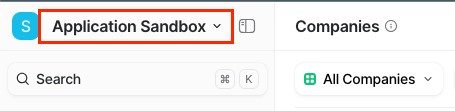
2
Go to Account settings
Click on the Account settings option.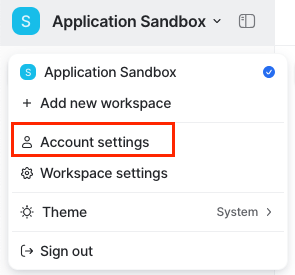
3
Open Developers settings
Inside the Settings page, click on the Developers option.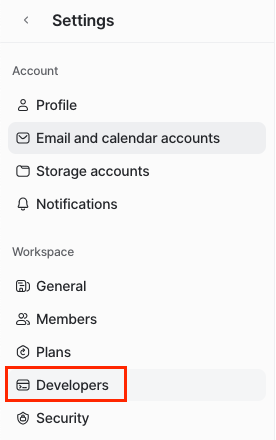
4
Create a new integration
Click on Create a new integration button.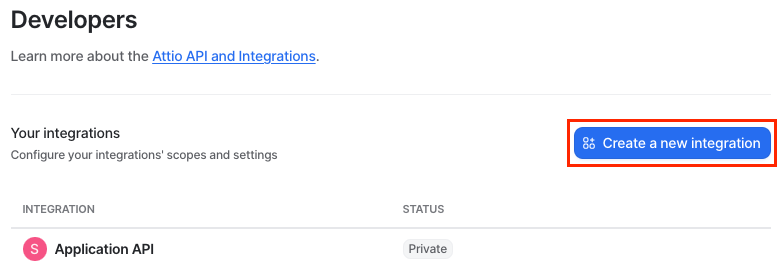
5
Add integration details
Add your integration name and, optionally, description/avatar. Afterward, click Create.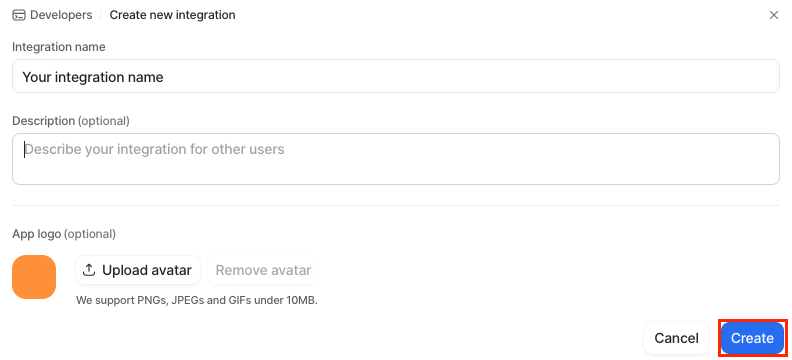
6
Access tokens
Once you have successfully created your integration, click on Access tokens option.
7
Generate or copy API token
You can either generate a new access token (API Key) or copy the existing access token (API Key) for immediate use.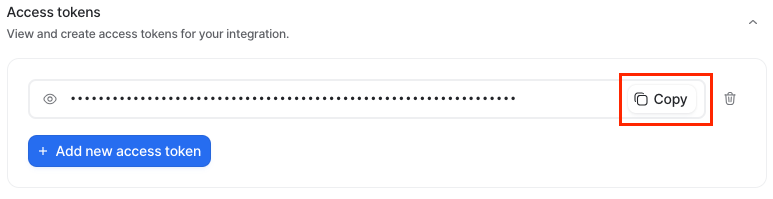
8
Configure integration scopes
Configure the integration scopes by clicking on the Scopes menu and setting the appropriate scope for your work – 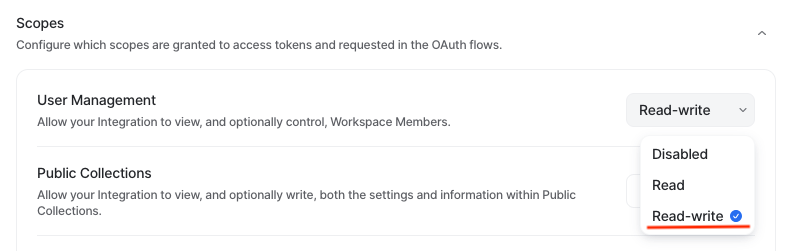
Read-write.Connecting with StackOne
1
Enter the Details
Upon reaching the Link Account page, enter the gathered details and proceed by clicking the 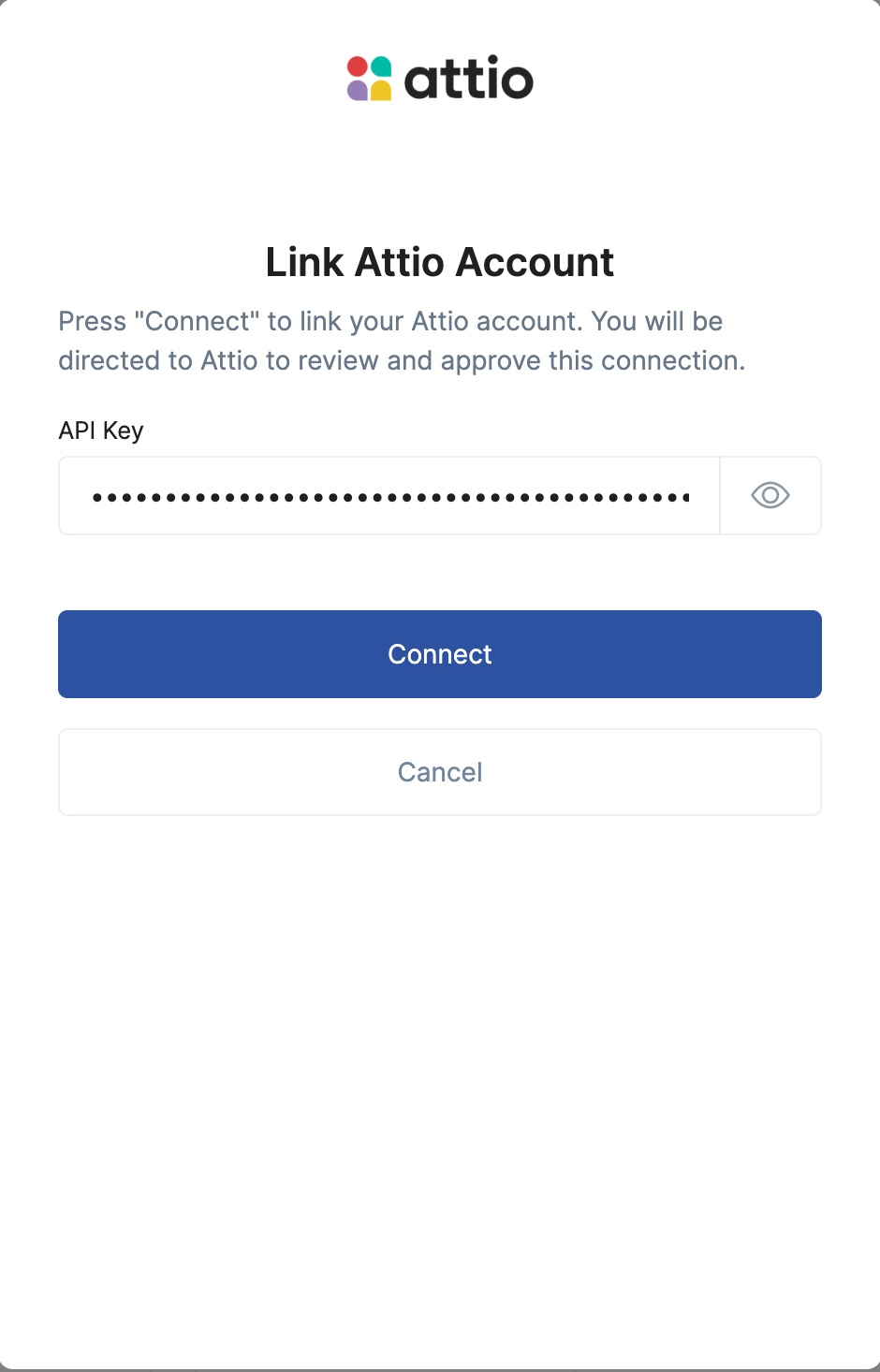
Connect button.