

Generating API key and getting Company ID
1
Navigate to Settings
In your Teamtailor account, click on Settings.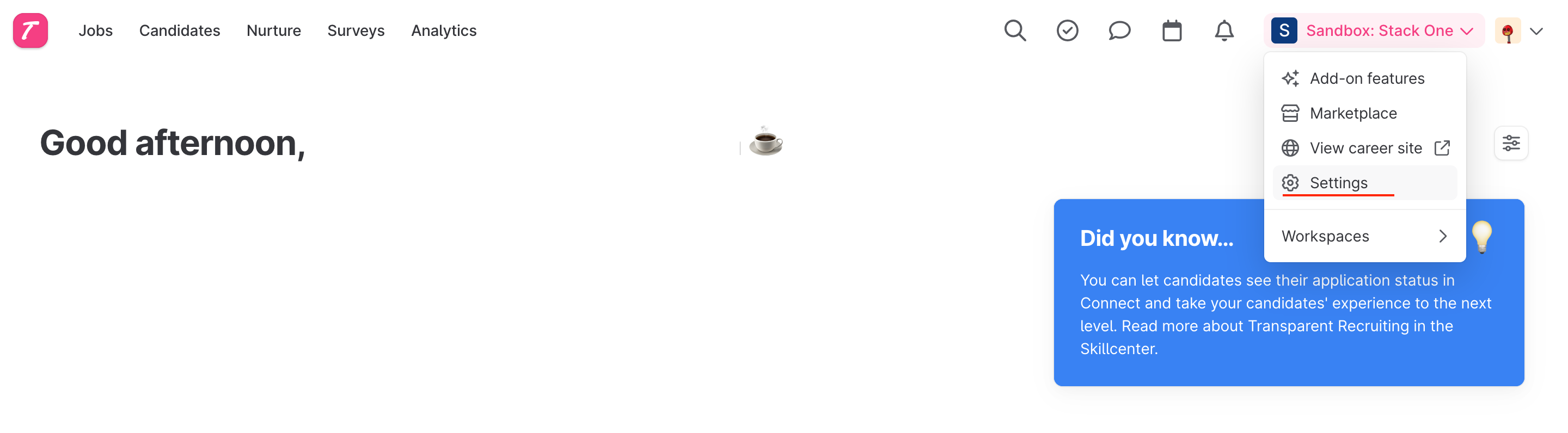
2
Find API Keys
On the left-hand menu under the integrations header, find API keys.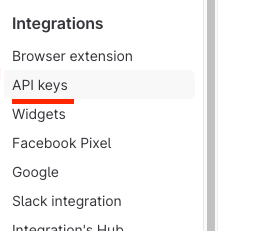
3
Create a New API Key
Click the New API Key button at the top right of the page.
4
Set Name and Permissions
Enter a descriptive name, set the scope to 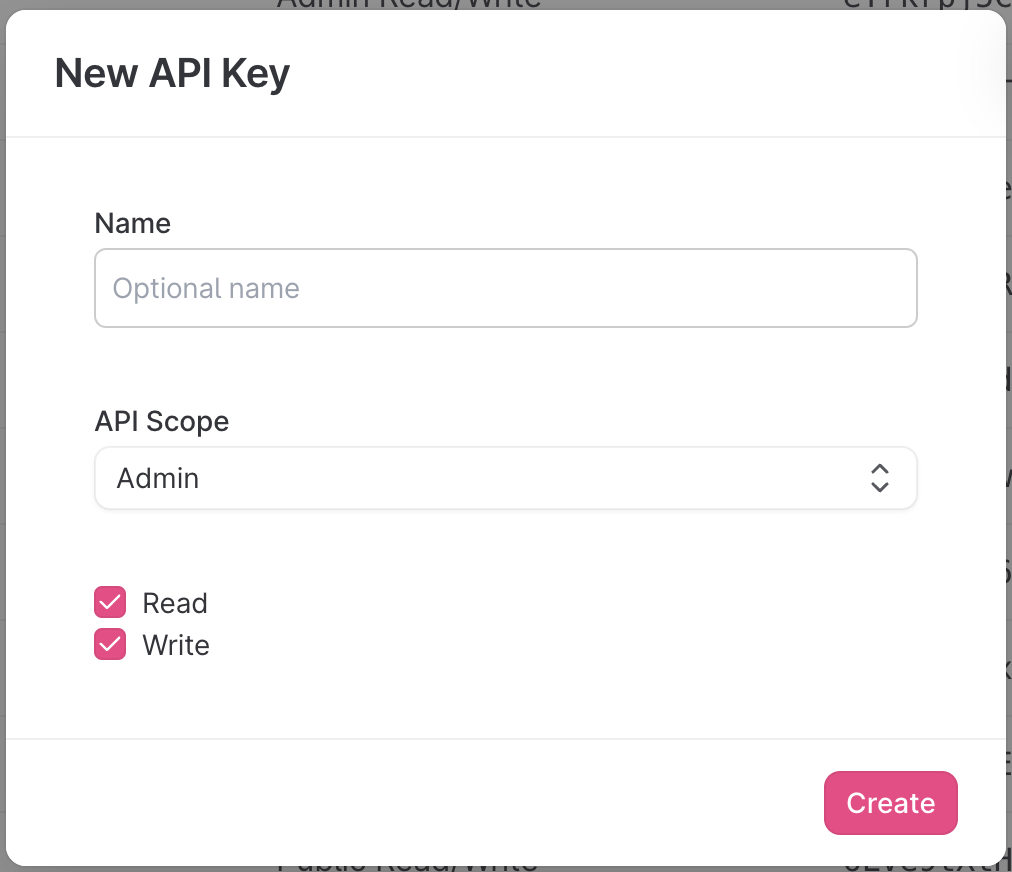
admin and check both read and write permissions.5
Copy API Key
Copy the API key to a safe place.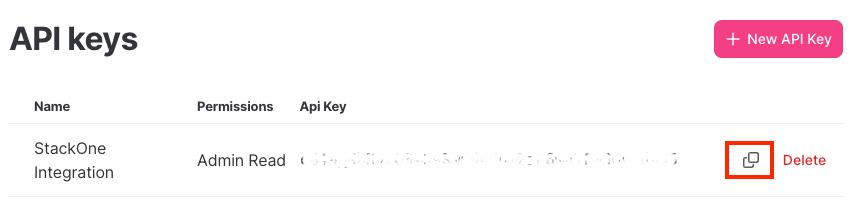
6
Get Company ID
Make a note of the 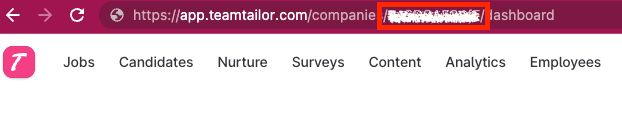
company ID, which is part of the URL as shown below:Input the collected inputs into the StackOne Hub
1
Link Account
Upon reaching the Link Account page, enter the gathered details and proceed by clicking the 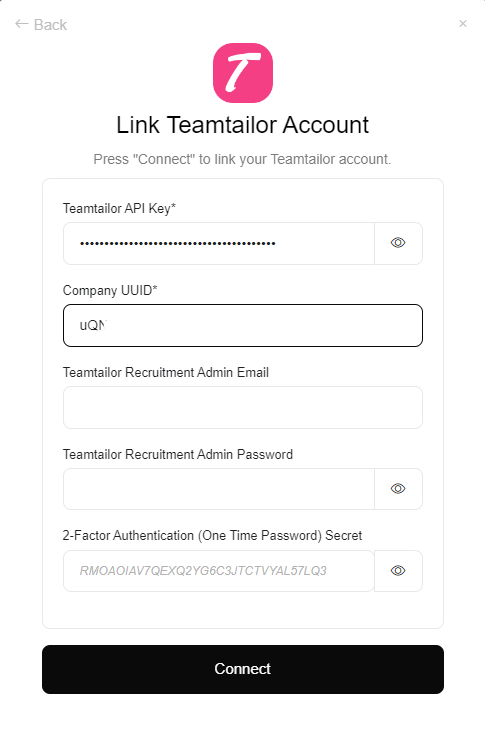
Connect button.