> ## Documentation Index
> Fetch the complete documentation index at: https://hub.stackone.com/llms.txt
> Use this file to discover all available pages before exploring further.
# Sendgrid
> Follow these steps to connect Sendgrid with StackOne Hub successfully.
Ensure you have Owner privileges for your Sendgrid account.
If you've been directed to StackOne to integrate with Sendgrid, the following steps will help you understand the process and any necessary actions to configure successful integration.
## Generating an API key
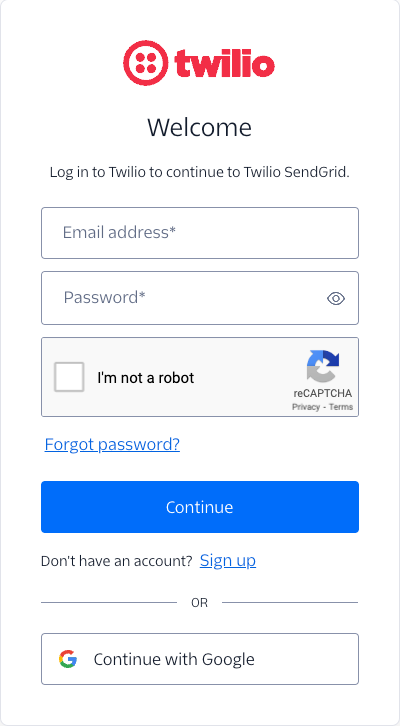
Sign in to the Sendgrid Dashboard.
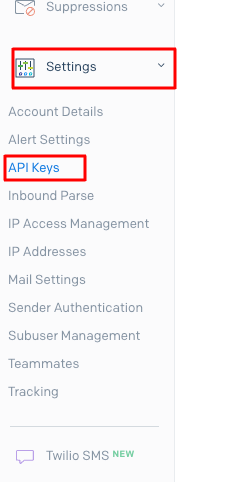
 Click on the Settings dropdown and select API Keys.
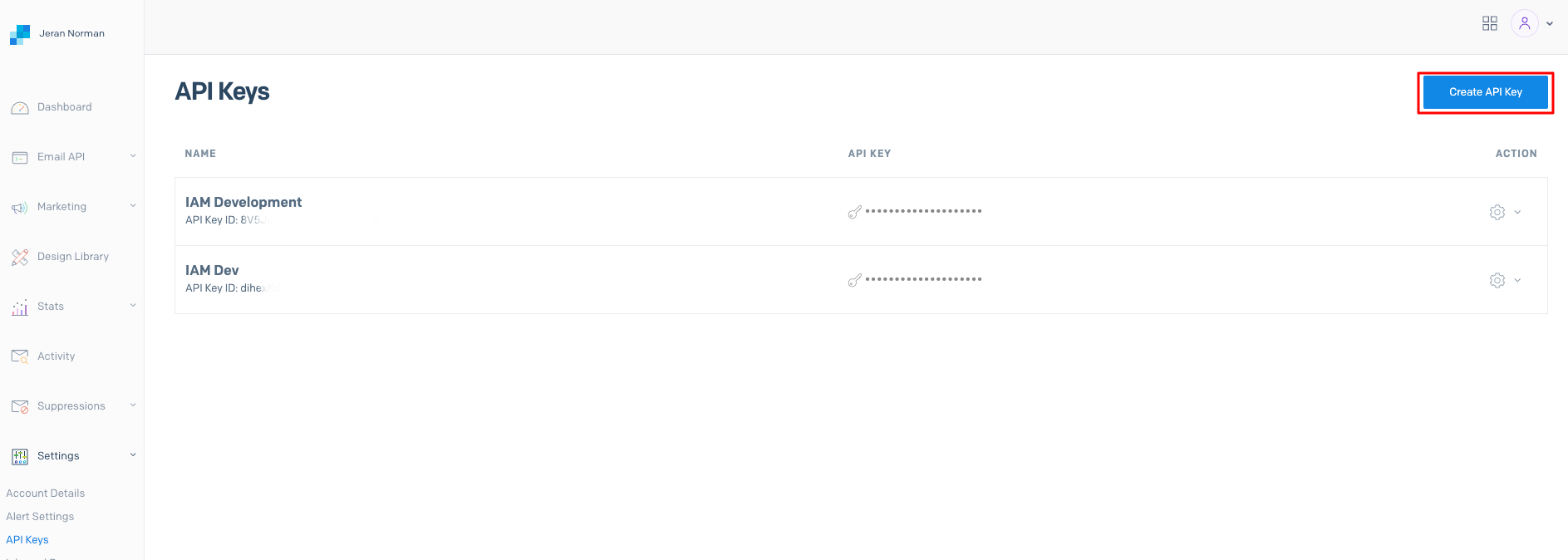
 To Generate the API Key, click the **Create API Key** button
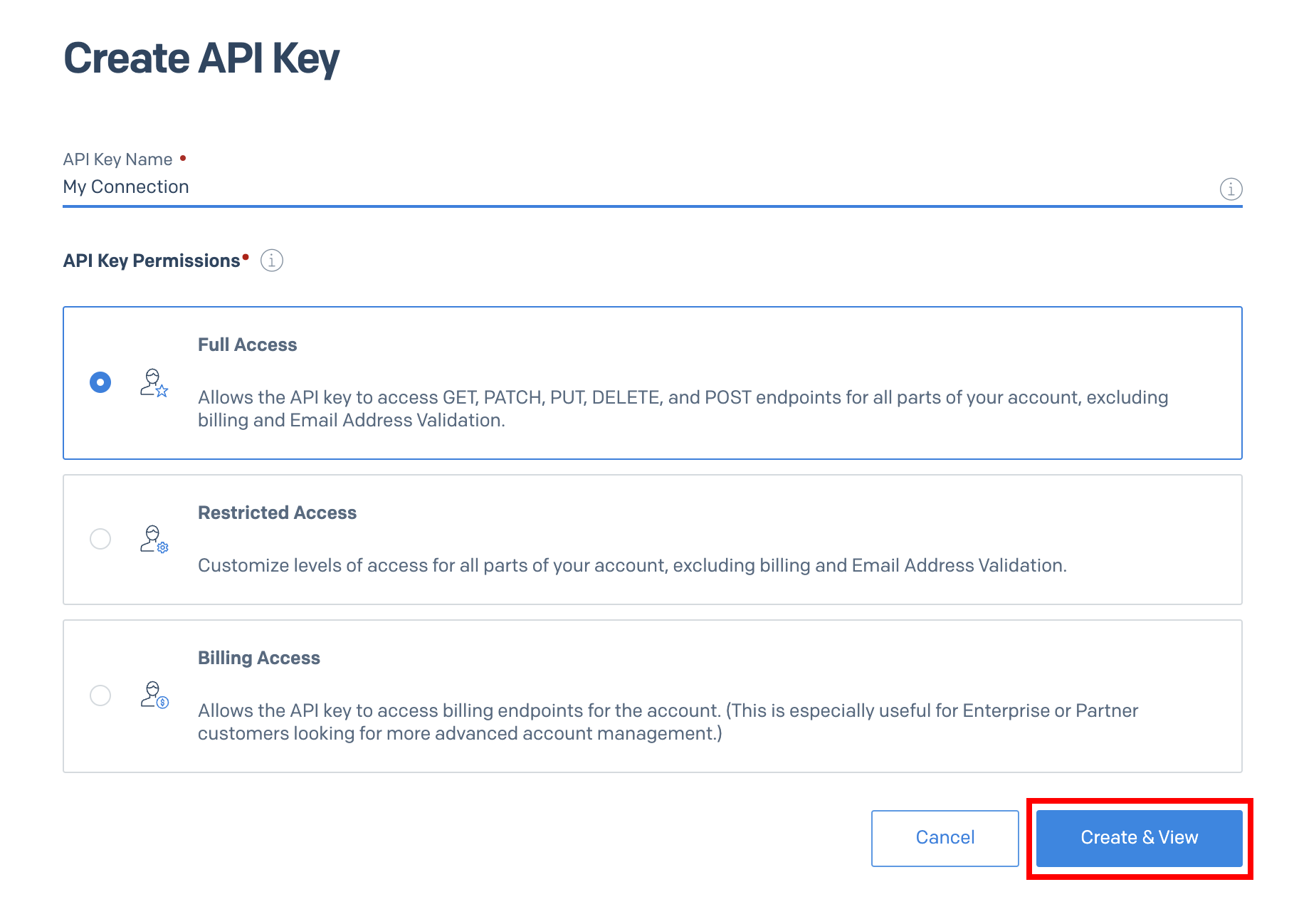
 Enter the API Key Name and select **Full Access** under *API Key Permissions*.
Click **Create & View** to generate the API Key.
Enter the API Key Name and select **Full Access** under *API Key Permissions*.
Click **Create & View** to generate the API Key.
 Copy your new API Key to a safe place to be used in the next step.
Click Done in the bottom once complete.
The API Key is not created until you click the Done button.
Copy your new API Key to a safe place to be used in the next step.
Click Done in the bottom once complete.
The API Key is not created until you click the Done button.
 ## Use the API Key in the StackOne Hub
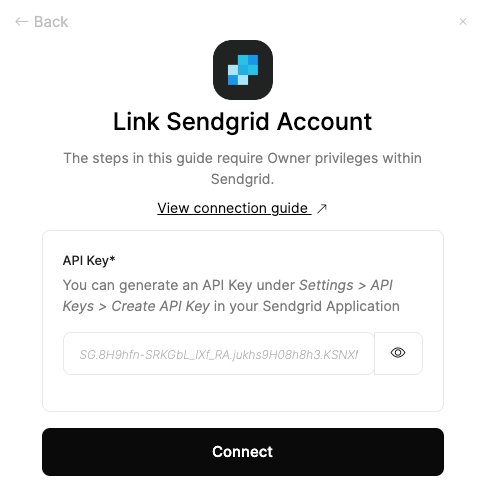
Upon reaching the Link Account page, enter the generated API key and proceed by clicking the Connect button.
## Use the API Key in the StackOne Hub
Upon reaching the Link Account page, enter the generated API key and proceed by clicking the Connect button.
 ## Available data
This integration has the following [IAM Resources](https://docs.stackone.com/reference/iam_list_users) available from the provider:
## Useful Links
[https://www.twilio.com/docs/sendgrid/api-reference/how-to-use-the-sendgrid-v3-api](https://www.twilio.com/docs/sendgrid/api-reference/how-to-use-the-sendgrid-v3-api)
## Available data
This integration has the following [IAM Resources](https://docs.stackone.com/reference/iam_list_users) available from the provider:
## Useful Links
[https://www.twilio.com/docs/sendgrid/api-reference/how-to-use-the-sendgrid-v3-api](https://www.twilio.com/docs/sendgrid/api-reference/how-to-use-the-sendgrid-v3-api)