

Generating API token and Company domain
1
Access Company settings
To access the Company settings, click on the Profile icon located at the top-right corner of the screen, and select it from the menu that appears.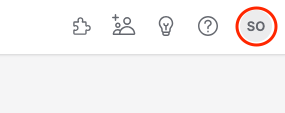
2
Provide company details
Provide your company’s name and domain, then click the 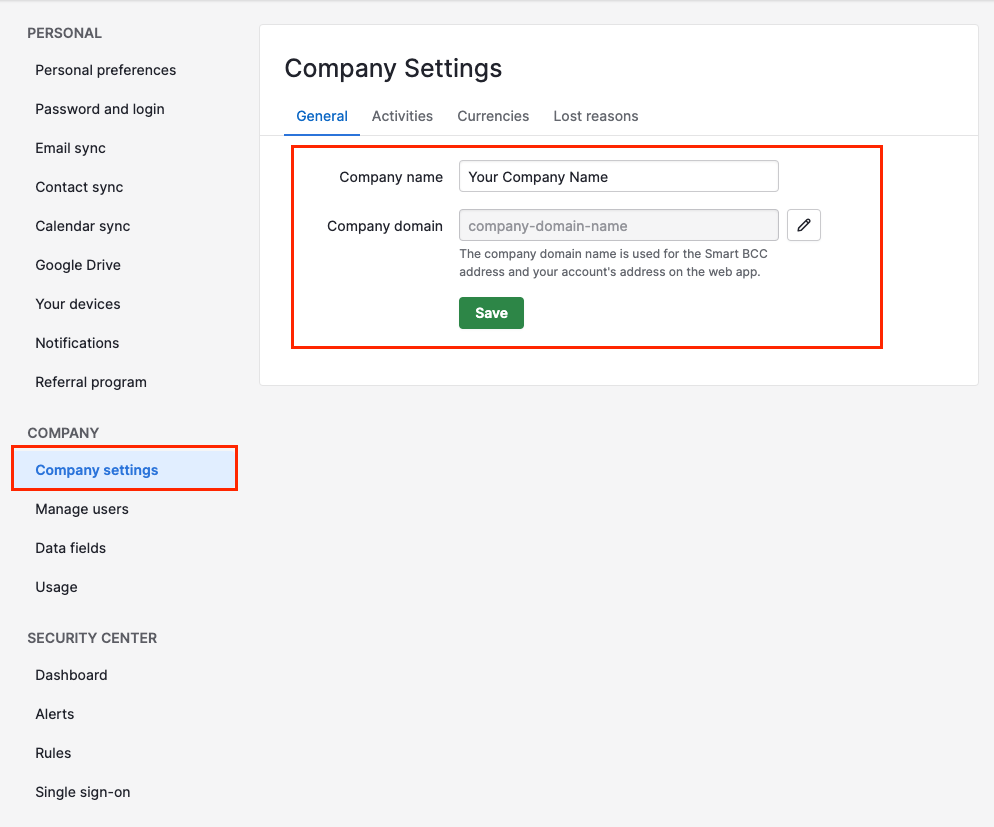
Save button.3
Generate API token
Go to the Personal Preferences page and navigate to the API tab in order to generate a new API token.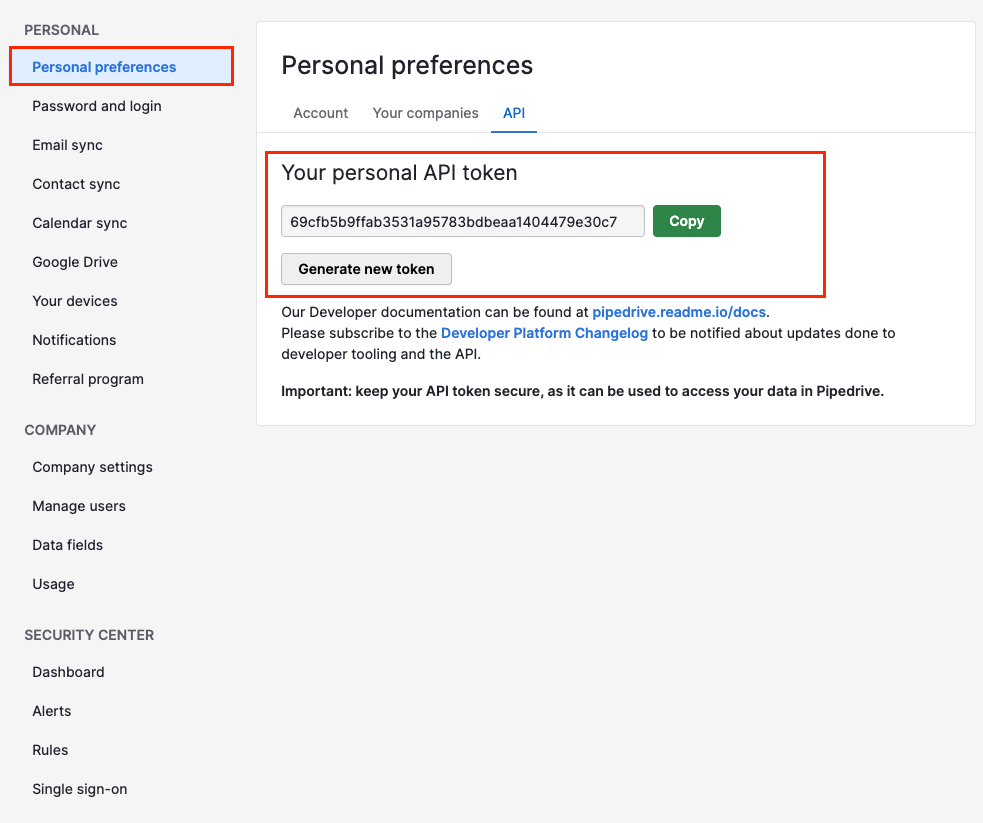
Utilizing the API token and Company domain
1
Enter the Details
Upon reaching the Link Account page, enter the gathered details and proceed by clicking the 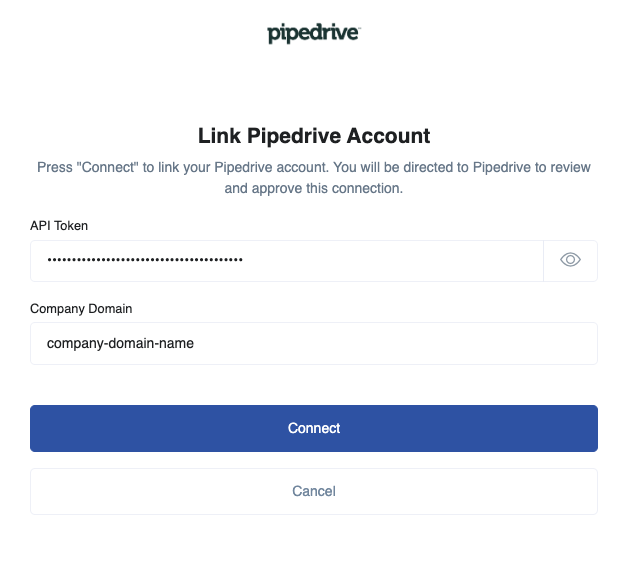
Connect button.